
Beaver Builder Brand Resources
Make It Look Like Beaver Builder
Logos, artwork, and colors for your next article, newsletter, video, or presentation. A little of our personality, ready to share.
ZIP · 3.6 MB · Logos, AI assets, and brand artwork
The Essentials
Beaver Builder logos
Our beaver and wordmark, ready for your layout. Choose a shape that fits and give it room to breathe.

These full-color logos work best on white or light backgrounds. SVG stays sharp at any size. Transparent PNG works well in email, slides, and social posts.
A Little Personality
Unmistakably Beaver Builder.
Color shapes, wandering trails, and room to explore. Our brand artwork draws on maps, road trips, and the outdoors.
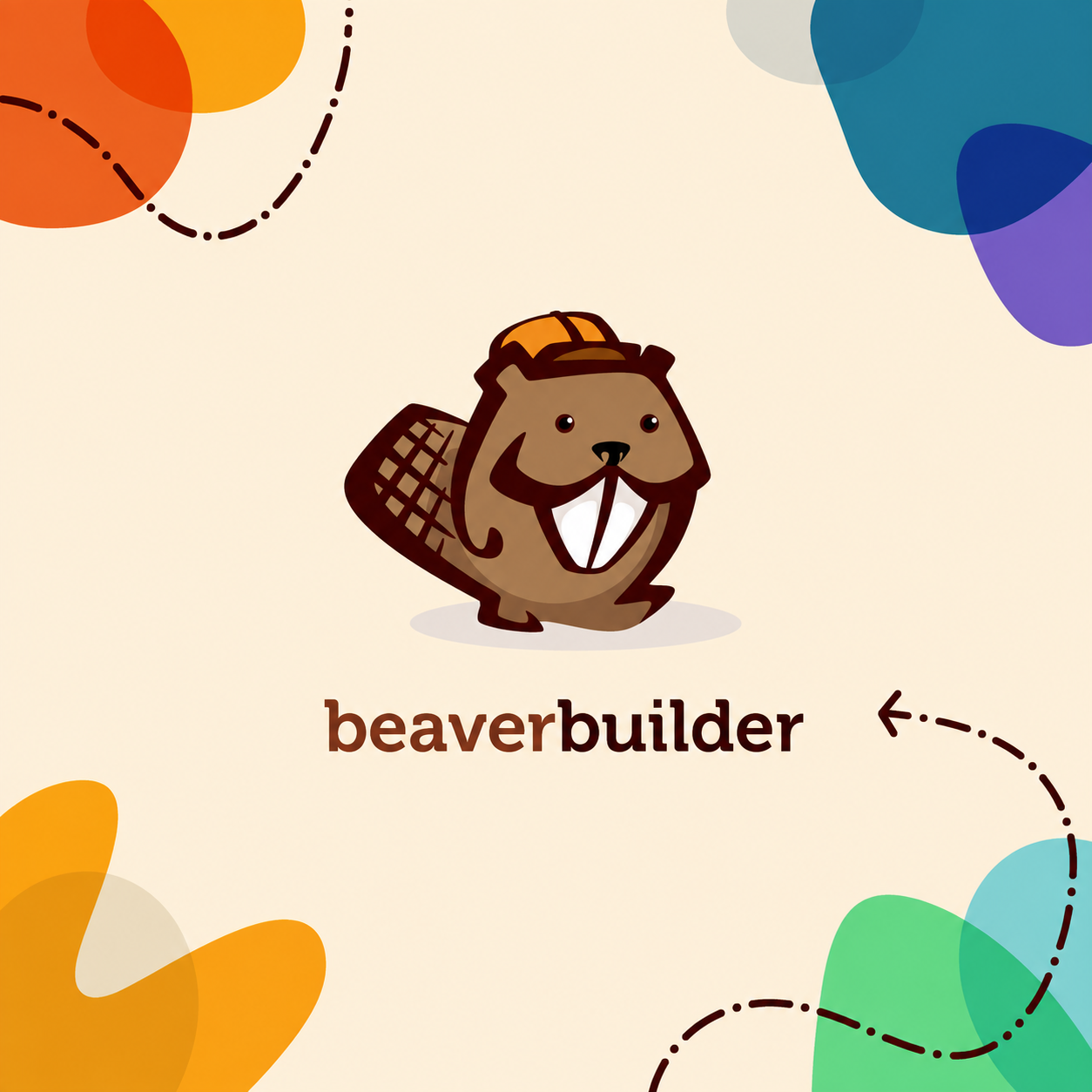
Square brand artwork
1254 × 1254 PNG. For articles, presentations, and square placements.

Use the artwork as supplied, keep its proportions, and choose the composition that fits your layout.
Frame the content
Simple color shapes sit near the edges and leave the center open. Overlapping shapes use Multiply on the warm tan background.
Follow a wandering line
Loose, dashed S-curves suggest a trail or a treasure map. Keep the path simple, with a clear direction and no self-crossing.
Give the type some space
Museo carries our wordmark; Atrament gives headings their character. Open, readable body text keeps the whole composition light.
A Little Beaver History
Same Beaver. Many Personalities.
A different hat, a little holiday spirit, and occasionally a shark suit. A few favorites from the Beaver Builder archives.


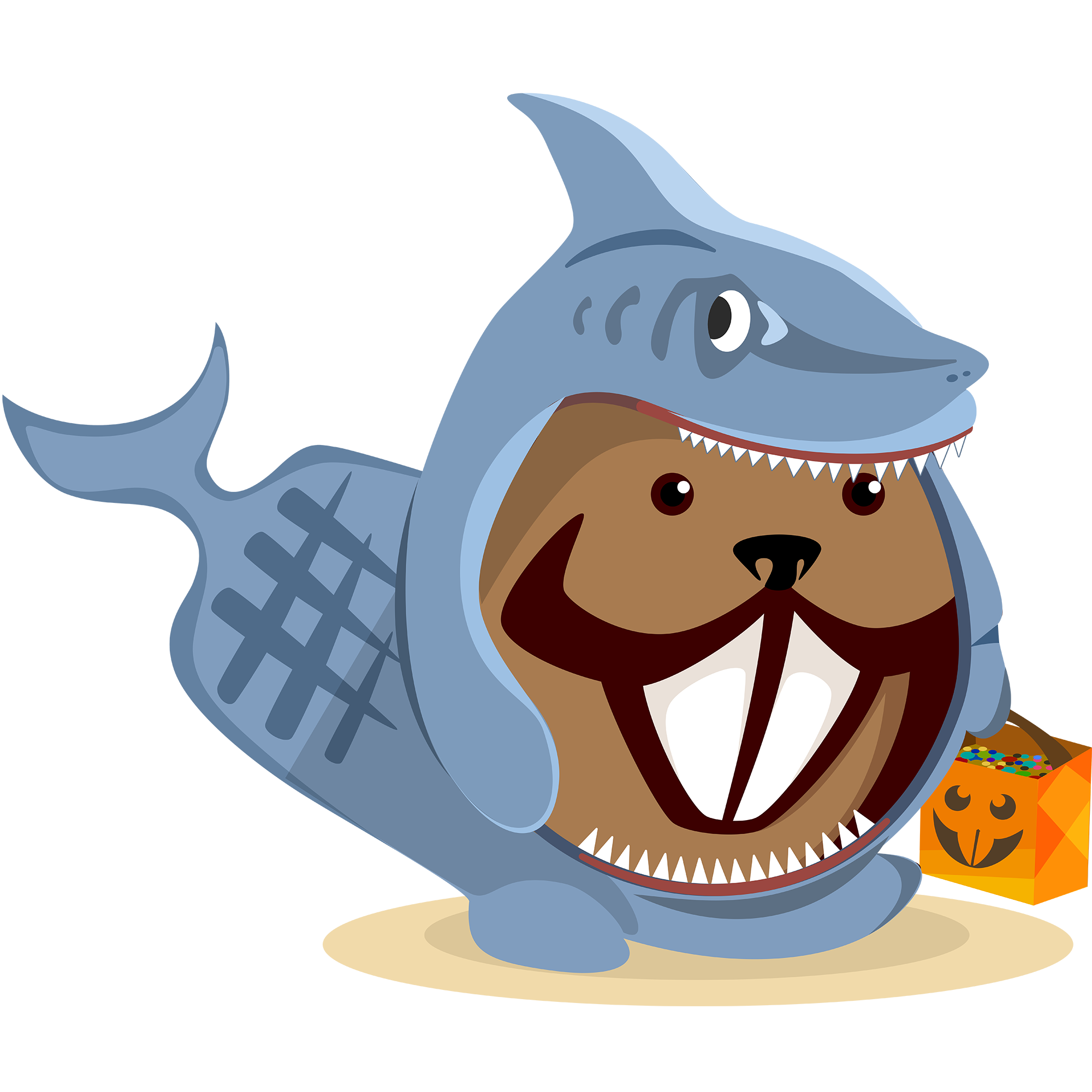


Shown here for inspiration. For your own materials, use the downloadable brand assets on this page.
Build With AI
The same beaver.
A new way to build.
Beaver Builder AI helps turn your ideas into editable WordPress layouts. Use these assets when sharing its AI tools, tutorials, or workflows.

Build with AI artwork
Our beaver, ready to build. A complete illustration for articles, presentations, and community posts.
Our Palette
A Full Spectrum of Possibility
Bright accents, warm neutrals, and plenty of breathing room. Start with the established artwork palette, then choose a few colors that work together.
#3E0000#7E2F17#FFF4DC#505153#84D5D6#1B7A97#EE521F#FBA613#64DC87#7461C7#D9D9CF#ECDFC3Newer brand accents
Forest, blush, and coral extend the palette in newer Beaver Builder AI artwork. Keep the colors within the supplied icons intact.
#53673E#FBC1AF#F9A68B#F69373Website colors and overlapping artwork
On our website
These interface colors support the blue headings, red-brown eyebrows, and orange buttons used on the current site.
#397296#7D2C0FFor shapes using Multiply
The brand guide specifies these alternate values for overlapping shapes using the Multiply blend mode on base tan. Use the main palette above for ordinary solid fills.
#84DFF8#1B7FAF#EE5624#FBAE16#63E69C#7465E7#D9E3F0#ECE9E2The supplied AI vectors include icon-specific colors, including deep forest #1F3A00 and pale blush #F5D4C9. Preserve those files as supplied.
Find the Words
A useful introduction.
Need a short description for an article or introduction? You can use these.
Beaver Builder
Beaver Builder is a visual WordPress page builder for agencies, freelancers, and people who build sites for a living. Build with rows, columns, and modules, then keep refining in WordPress.
Beaver Builder AI
Beaver Builder AI brings AI-assisted building to WordPress. Start with a conversation, refine the result with editable settings, and use a shared design system to keep new pages consistent with your site.
Using Our Brand Assets
A Few Friendly Guidelines
We’re delighted you’re interested in using our logo and other brand assets. Here’s how to help us keep Beaver Builder recognizable.
Please Do
Use the downloadable assets to promote and spread the word about Beaver Builder! They’re here for your articles, tutorials, newsletters, and affiliate promotions.
Please Don’t
- Alter our logos or icons in any way without our written permission.
- Use our logos or icons for your own identity or branding, in print or on the web.
- Use our logos or icons in a way that could make someone think your product or service is made, run, or endorsed by Beaver Builder.
Keep it looking like Beaver Builder
Choose a clear background
Our full-color beaver and wordmark work best on light, simple backgrounds. Avoid busy photos and deep colors that hide the artwork. If you use a photo, keep a clear separation between it and the logo. For the AI icon, follow the light and deep-green examples above.
Give everything room
Keep the artwork’s proportions intact and leave breathing room around it. Text should feel spacious and easy to read. Museo and Atrament bring the brand’s character; headings should draw attention without overpowering the composition.
Let the color do its job
Our colors are an important part of the brand. Use the values shown above and preserve the colors inside the supplied artwork. For overlapping color shapes, use the guide’s Multiply values on base tan. Reuse the supplied artwork rather than redrawing the shapes or wandering lines.
Need a different format or permission to adapt an asset? Get in touch.
Visit your affiliate area →Since 2014
Ready to build?
The WordPress page builder agencies and freelancers have trusted since 2014. Now with AI.